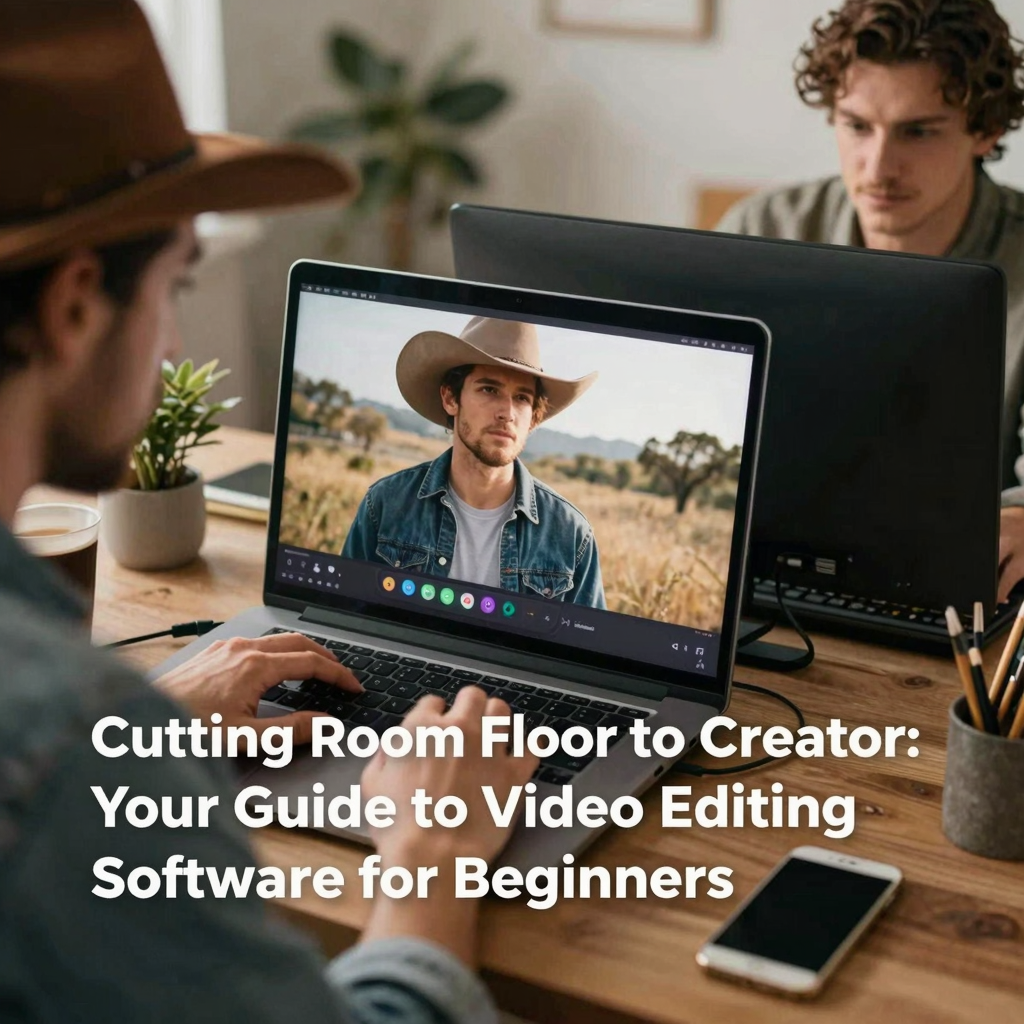
Stepping into the world of video editing is an exciting prospect. Whether you’re dreaming of crafting captivating YouTube content, preserving precious family memories, or simply exploring a new creative outlet, the right software is your essential tool. But for beginners, the sheer number of options can feel overwhelming. Fear not! Navigating the “cutting room floor” for the first time doesn’t have to be daunting. This guide is designed to help you find the perfect video editing software that matches your beginner status, learning curve, and creative ambitions.
Why Choosing the Right Beginner Software Matters
Jumping straight into complex, professional-grade software like Adobe Premiere Pro or Final Cut Pro might seem tempting, but it’s often a recipe for frustration. These programs are powerful, no doubt, but they come with steep learning curves, intricate interfaces, and features you simply won’t need when starting out. Choosing software specifically suited for beginners offers several advantages:
- Reduced Intimidation: A simpler interface with clearly labeled tools and intuitive workflows makes the initial learning process much less scary.
- Faster Results: You can focus on the core concepts of editing – cutting clips, adding music, basic transitions – without getting bogged down by advanced techniques.
- Boosted Confidence: Successfully creating your first few videos provides a huge motivational boost, encouraging you to keep learning and exploring.
- Cost-Effectiveness: Many excellent beginner options are either free or very affordable, allowing you to invest in more advanced software later if your needs grow.
The goal at this stage isn’t to create Hollywood blockbusters overnight. It’s to build a solid foundation, understand the fundamental principles, and, most importantly, enjoy the process of bringing your video ideas to life.
Key Features to Look for in Beginner-Friendly Software
Not all editing software is created equal, especially when catering to newcomers. Here’s what to prioritize when making your choice:
1. Intuitive User Interface (UI)
This is paramount. Look for software with a clean, uncluttered layout. Tools should be logically organized, ideally with drag-and-drop functionality for adding clips, music, and effects to the timeline. A clear media library or bin for importing your footage is essential. Avoid interfaces crammed with tiny icons and complex menus.
2. Core Editing Functions Made Easy
You need software that excels at the basics:
- Trimming & Cutting: Easily remove unwanted sections from the beginning or end of clips (trimming) or split clips into segments (cutting).
- Simple Transitions: Adding basic cuts, fades, or dissolves between clips should be straightforward.
- Adding Titles & Text: Creating simple opening titles or lower thirds (text overlays) is a common need.
- Audio Adjustment: Being able to adjust volume levels and add background music easily.
- Basic Color Correction: Simple sliders for brightness, contrast, and saturation can make a big difference.
3. Helpful Resources and Learning Curve
Does the software offer built-in tutorials, tooltips, or a comprehensive help section? Is there a supportive online community or readily available YouTube tutorials specific to that software? A gentler learning curve means you spend less time figuring out *how* to do something and more time actually doing it.
4. Platform Compatibility & Cost
Ensure the software runs on your operating system (Windows, macOS, sometimes Linux). Price is a major factor for beginners. Thankfully, many powerful options are free or offer robust free versions. Be mindful of subscription models versus one-time purchases.
Top Video Editing Software Recommendations for Beginners
Based on the criteria above, here are some highly regarded options perfect for those starting their editing journey:
Truly Beginner-Focused (Drag-and-Drop Simplicity)
- Apple iMovie (Free, macOS/iOS): The gold standard for Mac and iPhone/iPad beginners. Its intuitive drag-and-drop interface, themed templates, and seamless integration with Apple devices make creating polished home movies or simple projects incredibly easy. It covers all the basics beautifully.
- CapCut (Free, Windows/Mac/Online/Mobile): This rapidly growing software, popularized by TikTok creators, is surprisingly powerful yet incredibly accessible. It features a very user-friendly interface, a massive library of free effects, transitions, and music, and robust mobile versions. Great for social media content.
Stepping Stone to More Power (Free & Paid)
- DaVinci Resolve (Free & Paid, Windows/Mac/Linux): While it boasts Hollywood-grade color correction and audio post-production (used on major films!), DaVinci Resolve has a dedicated “Cut” page designed for fast, intuitive editing. Its free version is incredibly generous, offering features many paid competitors lack. The learning curve is steeper than iMovie or CapCut, but it’s an excellent platform to grow into.
- HitFilm Express (Free & Paid, Windows/Mac): Another powerful free option that combines editing with visual effects (VFX) capabilities. It has a more traditional timeline interface but offers extensive tutorials. Great for those interested in adding basic special effects to their videos.
Mobile Editing Powerhouses (On-the-Go Simplicity)
- CapCut (Mobile): As mentioned, its mobile app is top-notch for quick, social-ready edits.
- InShot (Free & Paid, iOS/Android): A favorite among mobile creators for its ease of use, vast music library, and features tailored for platforms like Instagram and TikTok (aspect ratio adjustments, speed control).
Getting Started: Tips for Your First Edit
You’ve picked your software! Now what?
Remember, your first project won’t be perfect, and that’s okay! The goal is to learn the workflow.
Conclusion: Your Creative Journey Begins Here
Choosing the right video editing software as a beginner is about finding the balance between capability and approachability. Options like iMovie, CapCut, DaVinci Resolve, and HitFilm Express offer fantastic starting points, whether you prioritize drag-and-drop simplicity or want room to grow. Don’t be afraid to download free trials or versions and experiment. The best software is the one that feels intuitive *to you* and empowers you to turn your ideas into videos without unnecessary frustration. Start simple, master the fundamentals, enjoy the creative process, and soon you’ll be moving beyond the beginner stage with confidence. Happy editing!